






How to Use Visit Japan Web (2026): Step-by-Step Registration, the Entry QR Code and Tax-Free QR
Published: 2026-10-25 · Last verified: 2026-10-25

Visit Japan Web lets you register your Japan entry procedures on your phone before you fly. Here's how to create an account, register your passport, show the QR code at the airport and use it for tax-free shopping, step by step, following the official guide.
The short answer
| Visit Japan Web | |
|---|---|
| What it does | Lets you register your entry procedures (immigration and customs) and tax-free shopping details on your phone in advance |
| Cost | Free (sites that ask for money are fake) |
| When to use it | Register before you fly, then show the QR code at the airport |
| What you need | An email address, your passport and a smartphone |
Some sites charge "application" or "handling" fees to make your QR code. The Digital Agency's Visit Japan Web is free. Check that you're on the official site (vjw.digital.go.jp).
What is Visit Japan Web?
It's the Japanese government's (Digital Agency) web service for entering Japan. Register your immigration and customs details in advance and then just show a QR code at the airport. Since January 2024, immigration and customs share a single QR code.
- Foreign visitors can also use it for tax-free shopping during their stay.
- You can register on a computer, but you show the QR code at the airport on a smartphone or tablet.
Before you leave (STEP 0–3)
STEP 0: Create an account and log in
- On Visit Japan Web (official), create an account with your email address.
STEP 1: Register yourself
- Choose your entry category (for example, foreign visitor or Japanese citizen returning).
- Register your passport: scan it with the camera or type it in.
- If scanning doesn't work, switch to "Enter manually".
- To use the tax-free shopping feature later, you need to scan your passport.
- Basic details such as occupation and address are optional, but saving them lets you reuse them in STEP 3.
STEP 2: Register your trip
- Enter your arrival date, flight number and where you're staying.
- If you have a visa, you can pull in its details with the visa number.
STEP 3: Fill in your entry procedures
- Open your trip and enter the "Immigration and customs declaration" details.
- Answer the "Quarantine (health check)" questions to see guidance for your situation.
When you land (STEP 4)
- Open the procedure screen and show the QR code.
- Immigration: show the QR code at the immigration counter.
- Customs: use the QR code at an electronic declaration kiosk or the inspection desk. After declaring at a kiosk, you can use the electronic declaration gates.
- At Haneda, Fukuoka and Naha airports, you can declare at a kiosk while you wait for your bags at the carousel.
If your phone has no internet at the airport, you may not be able to open the QR code. Set up an eSIM or Wi-Fi for Japan before you go.
It also works for tax-free shopping
- It's for foreign nationals with a Temporary Visitor (tourist), diplomatic or official status.
- After scanning your passport, scan the landing permission sticker in it to create a "tax-free QR code".
- Show the tax-free QR code at participating stores. Screenshots don't work.
- From November 2026, tax-free shopping became a refund system. The departure steps are in our guide to Japan's new tax-free procedure.
Frequently asked questions
Is Visit Japan Web free?
Yes. Sites that charge money are not the Digital Agency's official service, so don't use them.
When should I register?
Before you leave for Japan. At the airport, show the QR code from your registered procedure screen.
Can I register on a computer?
Yes, but you need to show the QR code at the airport on a smartphone or tablet.
What if my passport won't scan?
Choose "Enter manually" on the registration screen. Note that the tax-free shopping feature needs a scanned passport.
Can I show a screenshot of the tax-free QR code?
No. The tax-free QR code doesn't work as a screenshot. Open it on screen at the store.
Official websites
- Visit Japan Web (Digital Agency)
- How to use Visit Japan Web (entry and tax-free)
- Notice about fake sites that charge fees
- Japan Tourism Agency: tax-free system for travelers (Japanese)
Procedures and screens can change. Check the Digital Agency's official site before you go.
Read next
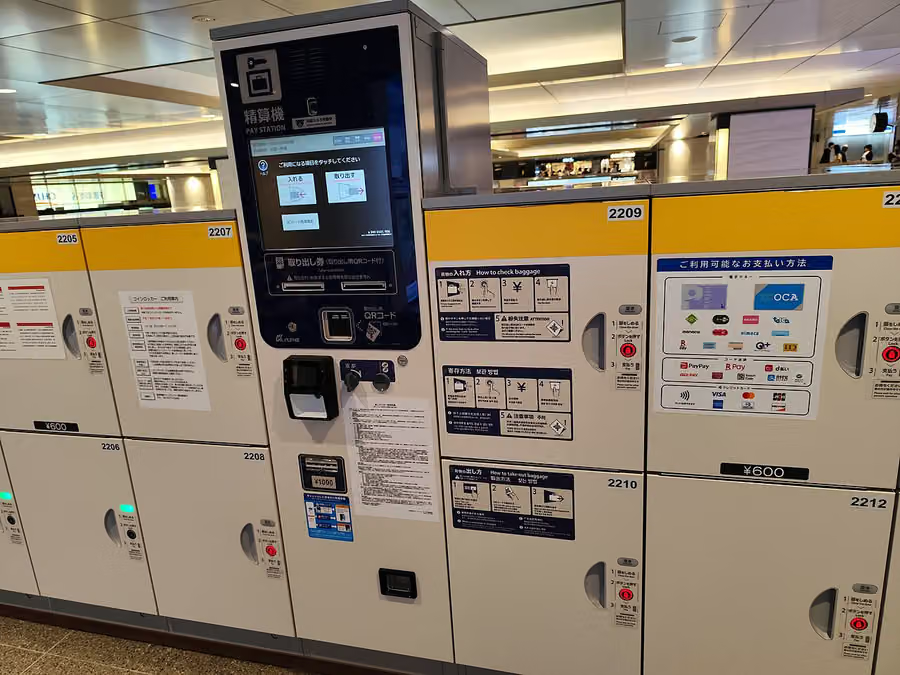 What to Do With Big Luggage in Tokyo: Coin Lockers, Luggage Storage and Hands-Free TravelSightseeing while dragging a big suitcase is no fun. Here's how to travel light in Tokyo, from station coin lockers and storage services to sending bags ahead to the airport or where you're staying.2026-10-06
 Staying Online in Tokyo: eSIM vs SIM Card vs Pocket Wi-FiMaps, train routes, translation: you'll want mobile data from the moment you land. Here's how to choose, with a focus on the easiest option, eSIM, plus step-by-step setup.2026-10-05
 Narita and Haneda to Central Tokyo: Which Train or Bus to TakeThe easiest way from each airport to Shinjuku, Shibuya, Asakusa, Ueno, Ginza and Tokyo Station, plus tips on tickets and luggage.2026-10-04