Staying Online in Tokyo: eSIM vs SIM Card vs Pocket Wi-Fi
Published: 2026-10-05 · Last verified: 2026-10-04
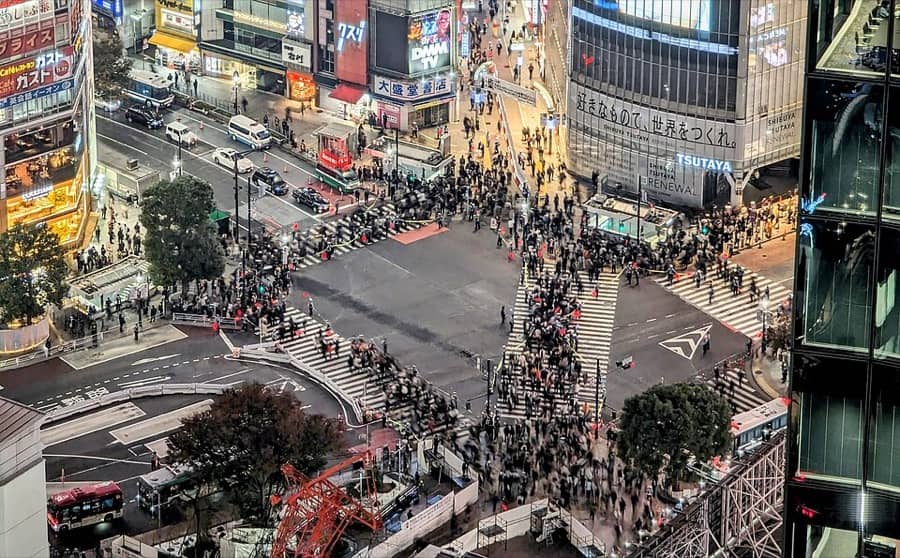
Maps, train routes, translation: you'll want mobile data from the moment you land. Here's how to choose, with a focus on the easiest option, eSIM, plus step-by-step setup.
The short answer
| eSIM | SIM card | Pocket Wi-Fi | Roaming from home | |
|---|---|---|---|---|
| Setup | Buy online and install before you fly | Buy at the airport or an electronics store and swap it in | Book, then pick it up at the airport | Just turn it on with your home carrier |
| What you carry | Nothing extra | A tiny card, and your home SIM to keep safe | The device, which needs charging | Nothing extra |
| Cost | Affordable | Affordable | Good value when shared | Often expensive |
| Best for | Most travelers | Phones without eSIM | Families, groups and laptop users | Short trips with no setup |
If your phone supports eSIM, eSIM is the easiest choice. You're online the moment you land, with no airport counter queue.
What is an eSIM?
It's a digital SIM built into your phone. Instead of swapping a card, you add a data plan with a QR code or an app. Your normal SIM stays in place, so you keep your own phone number.
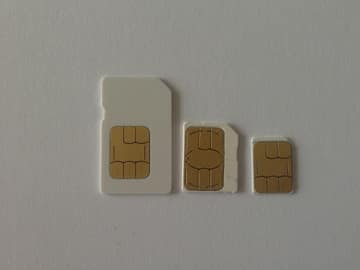 SIM cardThe classic way: swap it for your home SIM.
Will it work on your phone? Two checks
- Your phone is unlocked: on iPhone, go to Settings → General → About. If Carrier Lock says "No SIM restrictions", you're good.
- Your phone supports eSIM: almost every iPhone from the XS and XR onward does. On Android, look for "eSIM" or "Download a SIM" in Settings.
Phones bought from a carrier may be locked, and some models sold in certain countries and regions don't support eSIM. Check before you buy.
How to choose an eSIM
| What to check | Tips |
|---|---|
| Data | If you use maps and upload photos a lot, go for unlimited or a large plan |
| Days | Match your trip, with a little extra to be safe |
| Network | Plans on a major Japanese carrier's network work almost everywhere in Tokyo |
| Hotspot | Want to share with a laptop or a friend? Check that tethering is allowed |
| Phone number | Most travel eSIMs are data only, with no Japanese phone number |
| Support | Help in your own language is reassuring if something goes wrong |
Even "unlimited" plans may slow down after heavy use. Read the details before you buy.
Airalo eSIM for Japan
Buy and set it up in the app before you leave.
Setup, step by step
- Before you leave, connect to Wi-Fi, buy your eSIM and install it with the QR code or app.
- In your phone's Cellular/Mobile Data settings, choose the eSIM for data. Calls and texts can stay on your normal SIM.
- When you land in Japan, turn the eSIM line on and switch on Data Roaming for the eSIM.
- Turn off Data Roaming for your home SIM.
If data roaming stays on for your home SIM, you could get a very large bill. Make sure it's off.
Most plans start counting days when they first connect to a network in Japan, so installing early is fine.
Don't delete the eSIM during your trip. The same QR code often can't be used again.
Good to know about the internet in Tokyo
- Tokyo's subways have signal even inside the tunnels, not just at stations, so maps and route apps keep working.
- Without a Japanese number you can't book by phone. Online booking is the easy way to reserve restaurants.
- In Tokyo, many big chain cafés, fast-food restaurants and family restaurants offer free Wi-Fi (for example Starbucks, Doutor, McDonald's and Gusto). Some ask for an email sign-up or have a time limit. Small independent restaurants often don't have it, so treat it as a backup.
- Stations and airports also have free Wi-Fi, but it isn't always reliable.
Avoid entering card numbers or passwords on free public Wi-Fi.
- At Narita and Haneda you can also buy SIM cards or pick up pocket Wi-Fi. For getting into the city, see Narita and Haneda to central Tokyo.
Once you're online, grab our recommended travel apps.
Read next
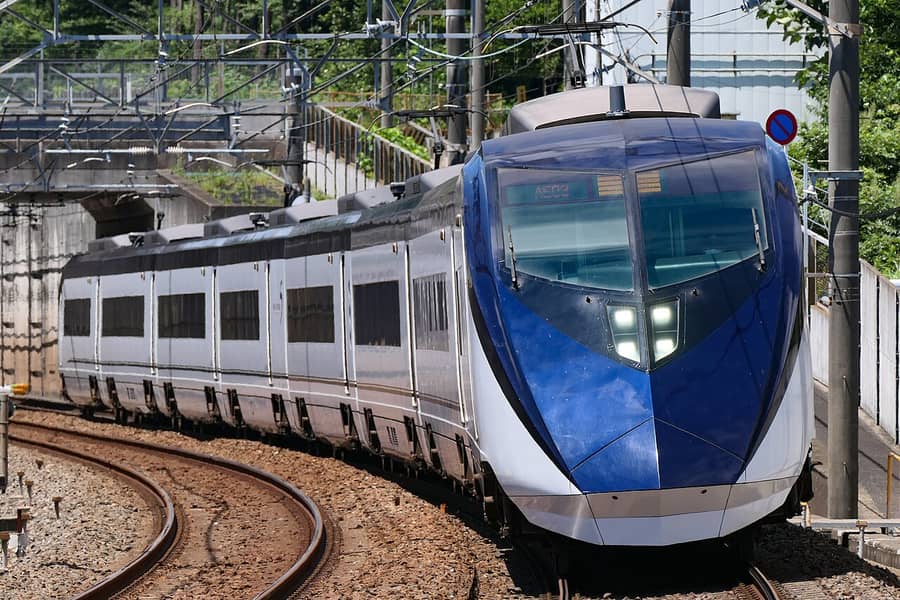 Narita and Haneda to Central Tokyo: Which Train or Bus to TakeThe easiest way from each airport to Shinjuku, Shibuya, Asakusa, Ueno, Ginza and Tokyo Station, plus tips on tickets and luggage.2026-10-04
 Convenience Store and Drugstore Must-Buys in TokyoWhat to eat at Japan's convenience stores, which drugstore items visitors take home, and how tax-free shopping works from November 2026.2026-10-03
 Pay With Crypto in Japan: Binance Pay Now Works at PayPay Merchants (from September 2026)Since September 30, 2026, Binance users from outside Japan can pay with crypto at PayPay merchants all over Japan. Here's who can use it, how to pay, and what to watch out for.2026-10-04